
Australian construction quoting software
Construction quoting software built for Australian jobs
Quote King brings scope capture, rate card matching, review and sending into one workflow for tradies and builders.
AI drafts need your review. Pricing comes from your own rate card.
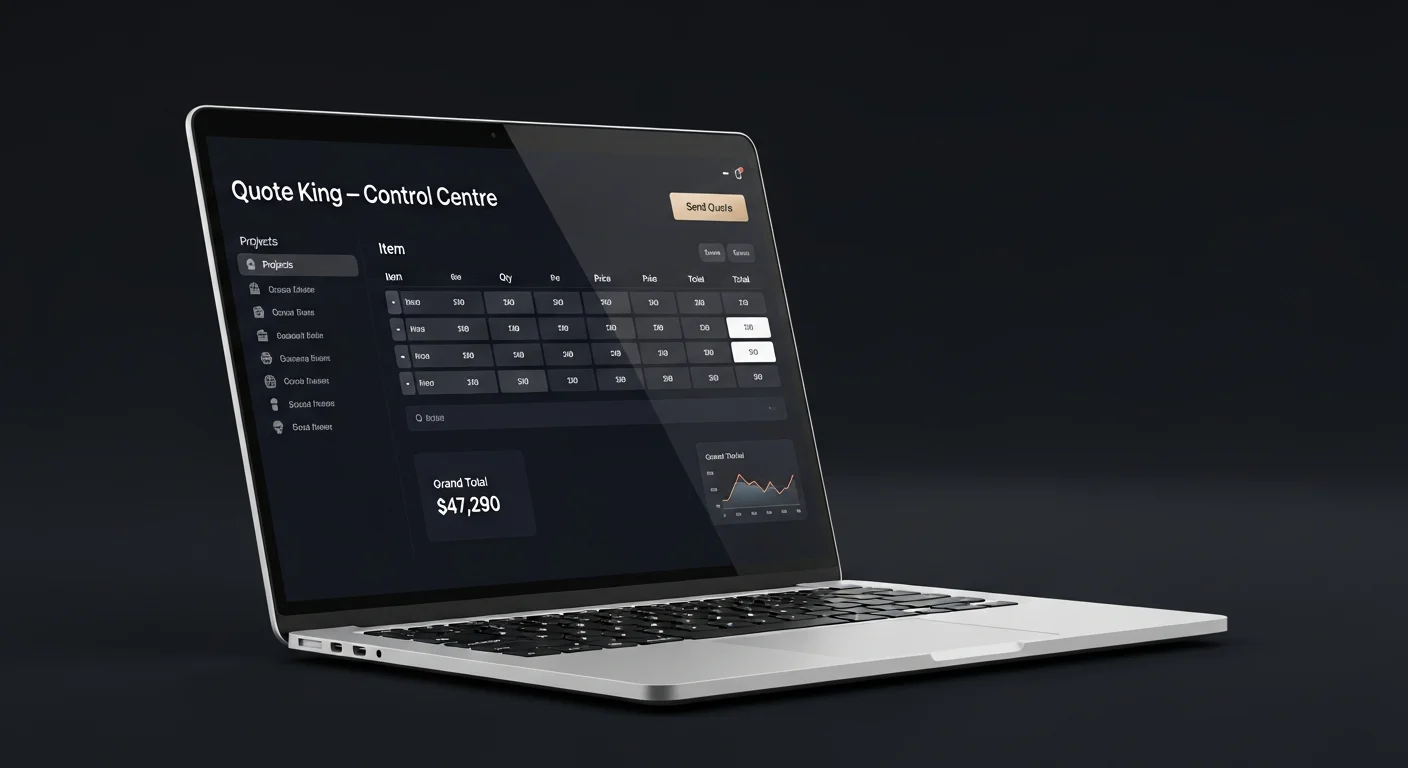
What good quoting software should do
It should save time on first drafts, keep your pricing consistent, make GST and markup obvious, and leave every number open to your review. Quote King is designed around those four things.
Built around your rate card
Your rate card holds your rates. Quote King matches lines to it rather than imposing its own numbers. It does not use live supplier prices, so keep your rates current.

What you can do with it
Core features cover the quoting workflow from scope to sent quote.
- Draft lines from spoken scope, recordings or authorised transcripts.
- Review quantities, prices, GST and markup.
- Send branded PDF quotes.
- Request subtrade prices on the Builder plan.
Versus spreadsheets
Spreadsheets are flexible and familiar. Quote King adds drafting from scope and rate lookup, while keeping your numbers editable. Pricing starts with a Free plan so you can compare for yourself.
Hypothetical example: a small commercial fit-out
A builder quotes a small shop fit-out: partitions, ceiling, floor finish, painting and a subcontracted electrical package. They capture the scope, review the draft against the floor plan, and mark the electrical line as awaiting a subtrade price.
When the subtrade replies, the builder enters the figure, adds markup and GST, and notes exclusions such as shopfront signage and furniture. The quote shows what is fixed, what is provisional and what is excluded.
What to look for when comparing tools
Ask where the prices come from, how scope gets in, whether you can edit every line, how GST and markup are handled, and what happens before a quote is sent. Ask whether the tool claims more than it can deliver, such as guaranteed accuracy or live supplier pricing.
For Quote King, prices come from your rate card, scope can be spoken, uploaded or supplied as an authorised transcript, every line is editable, and sending is a deliberate step.
- Pricing source and how you keep it current.
- Editable lines, units and descriptions.
- Clear GST and markup settings.
- A review step before sending.
- Honest limits: no guaranteed prices, no live supplier feeds.
Checking units and provisional items
Construction quotes hinge on units and assumptions. Check that area, length, volume and count units are consistent between your rate card and each line, and that provisional items state what was assumed. A small unit slip repeated across a large quote is a large error.
Quote King compared with a manual spreadsheet
| Task | Spreadsheet | Quote King |
|---|---|---|
| Capturing scope | Retype notes or memory into rows | Draft lines from spoken scope, recordings or authorised transcripts |
| Pricing | Look up or copy last job's rates by hand | Lines matched to your own rate card |
| GST and markup | Formulas you maintain yourself | Set and reviewed on each quote |
| Checking | Entirely manual | Editable draft, reviewed by you before sending |
| Sending | Export, format, attach | Branded PDF quote sent from the same place |
Explore Quote King
Quote the next job with your own rates.
Start on the Free plan and review every line yourself.